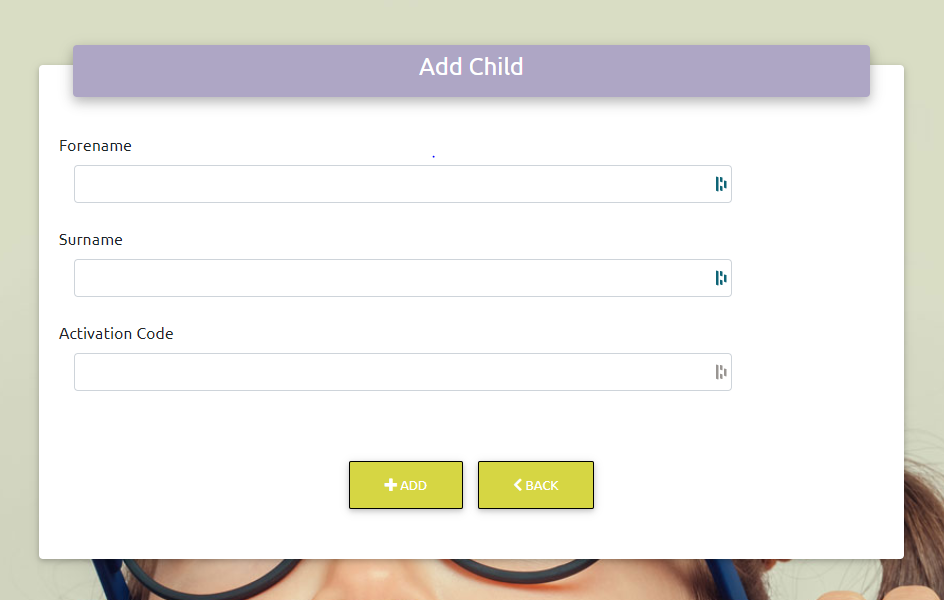
Normally, we verify parents by cross referencing the email address they sign in with with the email address held in their contact record in your MIS. However, there may be times when this is not possible, for example, if you need a carer without parental responsibility to book for a child. In this situation you can give the parent or carer an activation code which allows them to add a child to their account manually.
Please note that this is NOT the same as the 'verification code' generated by the system when the parent registers their account.
To generate activation codes, visit Admin / Contacts. From that screen, click the 'Generate Activation Codes' link in the top green bar.
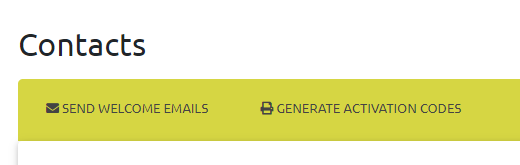
Next, select the child's class from the dropdown menu. The codes will be generated. You can print the whole class at once using the print icon in the green bar, or you can print a single code using the print icon on the child's details.
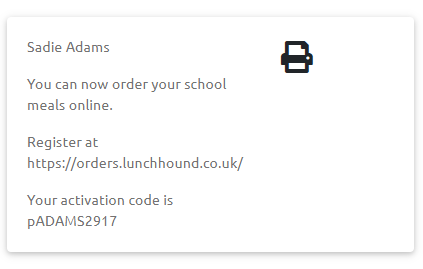
The parent / carer needs to enter the activation code into the relevant field when prompted: