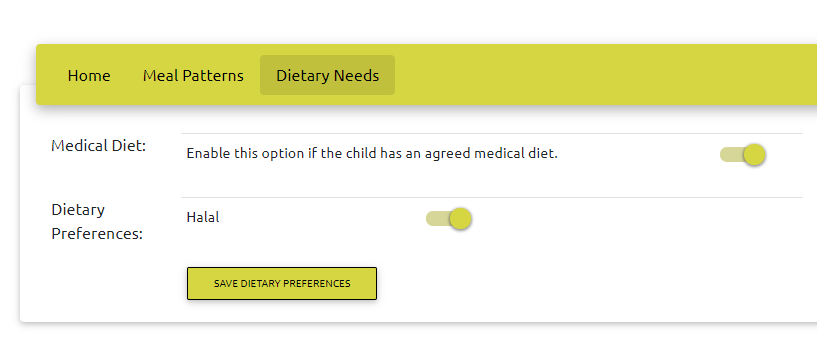
Children who have an agreed medical diet menu must be marked as medical diet in the system. This will prevent them booking an option which is not on their menu. They will only be able to book the 'Medical Diet' option.
To mark a child as having a Medical Diet, click 'Accounts' / 'View' then search for the child. Click the 'i' button in the rightmost column to view their account details. Select the dietary needs tab then toggle Medical Diet to on.