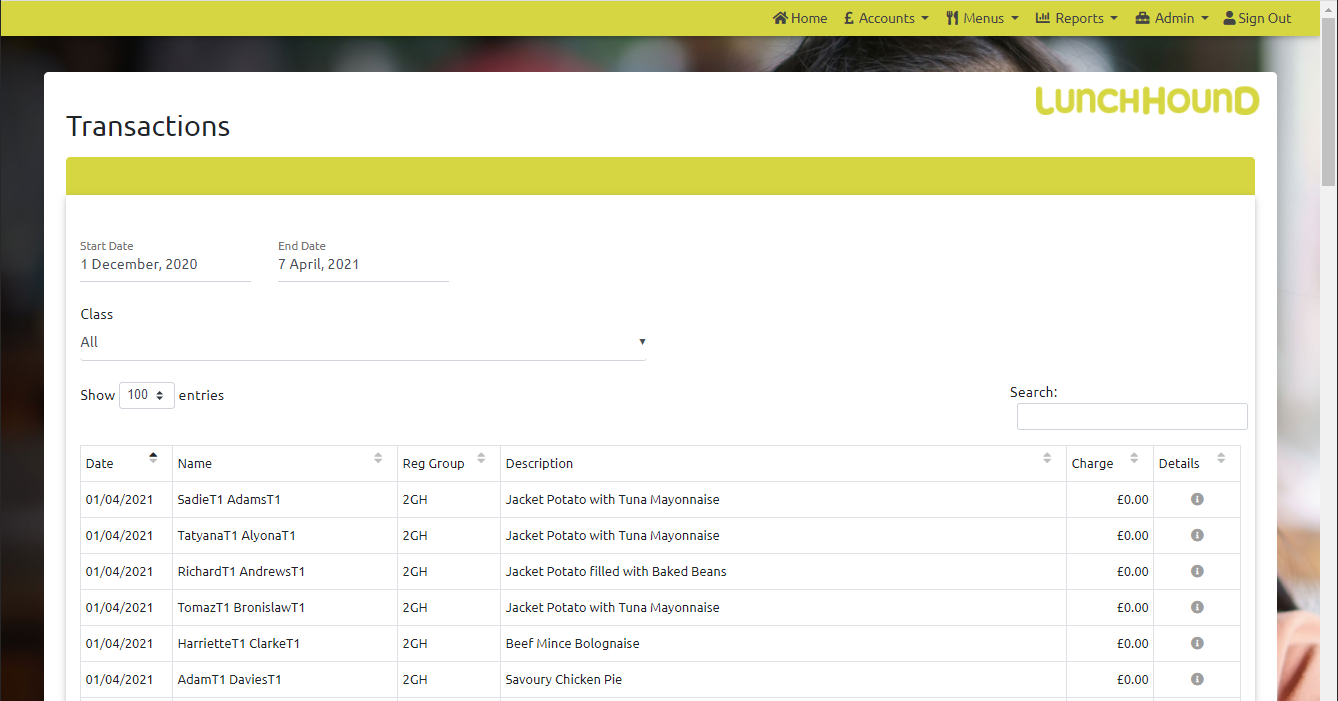
To view Transactions, click 'Accounts' then 'Transactions'
Select your dates, then click the search button to find all transactions between these dates. Optionally, you can also select a registration group and / or a student to limit the search.
You can see a summary of transactions between dates split by meal type by clicking 'Reports' then 'Transactions'