Normally, your pupils' meal patterns are automatically synchronised from your MIS. However, there may be times when you need to manually update this information within LunchHound, for example, when your Groupcall sync is temporarily unavailable, or you cannot wait for the sync to run.
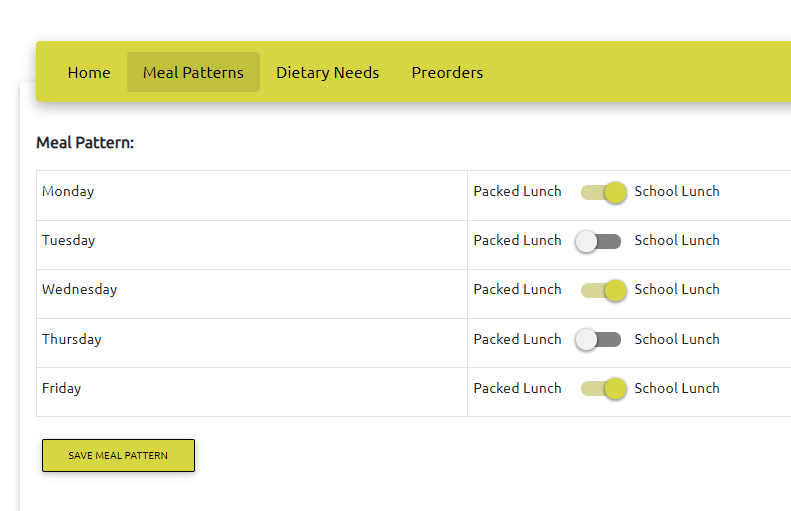
To manually update meal patterns, click 'Accounts' then 'View. Use the search tool to find the pupil then click the  button in the rightmost column. This will bring up the child's details. Click the 'Meal Patterns' tab in the green menu bar.
Next, use the meal pattern toggles to set preferences as appropriate, then click 'Save Meal Pattern'.
Use the 'Back' button to return to the accounts view.