To Void (remove) a transaction:
Log on to the system, then click 'Accounts' / 'Transactions'..
Use the 'Hamburger' menu (top left) to select the school you want to view accounts for:
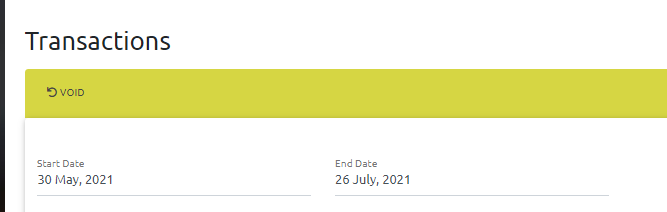
Use the date selection to view transactions for the date you are interested in.
Use the search box (right hand side) to find the account:

Select the checkbox in the left hand column for the transaction you want to remove:

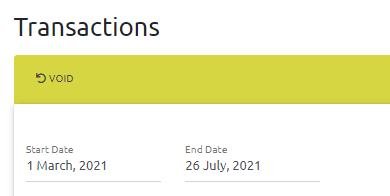
Click the 'Void' button in the green bar at the top:
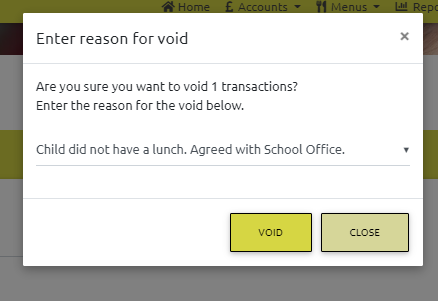
Select the reason for the void from the drop down list, then click Void. If the reason for the void is not in the list, please contact IT.
The transaction will be removed from the system and any amount charged will be credited back to the account.